Updating your website pages in WordPress isn’t just another to-do on your list—it’s actually one of the smartest ways to keep your site working well for both visitors and search engines. I’ve been managing WordPress sites for years, and there are some real perks to keeping those pages fresh and up to date. If you’re unsure why page updates matter so much, I’ve got you covered with the main reasons that really make a difference.
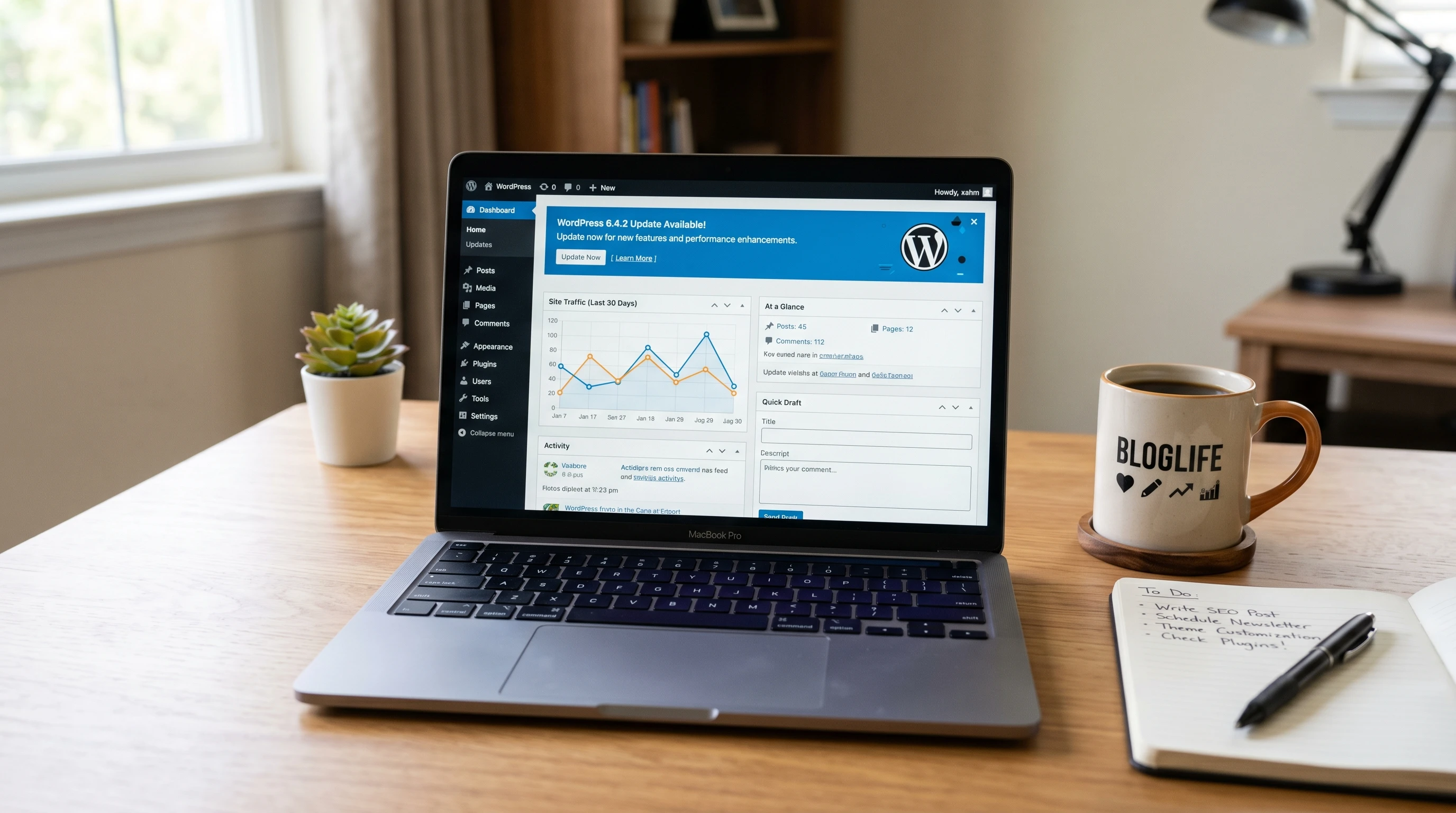
Why Updating WordPress Pages Matters
Websites built on WordPress are everywhere, and that popularity means things are always changing. WordPress itself gets frequent updates, and so do most of its themes and plugins. Websites that sit unchanged for months, or even years, start to look old, run into issues, or drop in search rankings. Fresh content, current info, and updated features can really help you get ahead, keep visitors happy, and make Google notice you in a good way.
For anyone running a business, blogging, or simply wanting a reliable personal site, knowing the benefits of regular updates can save you from some annoying tech headaches and missed opportunities. The web moves fast, and sites that stay as is for too long tend to slip behind. Plus, technology changes constantly, so adapting to these changes keeps your website running smoothly.
Key Reasons to Update Your WordPress Pages
Refreshing your WordPress content and setup brings a bunch of practical benefits. Here’s what you get by giving your pages regular attention:
- Better Security: Old plugins or themes with vulnerabilities are a common target. Regular updates help protect your site from hackers and malware.
- Higher SEO Rankings: Search engines love fresh content. Updating helps you climb up in search results, and stay there.
- Accurate Information: Keeping details and links current avoids confusion or frustration for your visitors.
- Improved Speed and Performance: Updates often fix bugs and boost how quickly your site loads. That makes a big difference for visitors and for SEO.
- Modern Look and Features: Updated pages and themes give your site a fresh, professional style with cool new features your audience will appreciate.
How Website Updates Impact Security
Security is a pretty big deal, especially if you collect any user data or run an online store. Outdated software is often the weak point hackers look for. I’ve seen several sites get hit just because they didn’t keep up with updates. Sometimes it’s as simple as an old slider plugin or a forgotten theme. Even if you don’t have a store, having your site hacked can cause real headaches, from loss of trust to actual downtime.
WordPress core, themes, and plugins all get security patches over time. Skipping updates can open doors, so regular checks and quick updates keep things locked down. It’s also smart to back up your site before bigger updates, just in case something goes sideways. If you haven’t developed a habit of checking for outdated code, setting reminders can help you stay sharp and avoid security holes.
Keeping Your Content Relevant and Engaging
Sites full of old news, expired coupons, or outdated business hours turn people away quickly. Sometimes clients tell me, “Oh, I didn’t realize people still looked at that page.” You’d be surprised how often visitors land on random subpages through search results or shared links. If those pages aren’t updated, you miss a chance to turn visitors into fans, or even customers.
Posting regular updates, company news, or tweaking your service listings keeps your audience in the loop and shows you care about what’s happening now. Even small refreshes, like swapping out dated images or adding your latest accolades, create a lively, trustworthy site people want to come back to. If you maintain a blog, be sure to keep older posts updated with new insights, as readers will stumble upon them through social media and organic search.
Boosting Website SEO with Updates
Google and other search engines pay close attention to how recently a page was updated. Sites getting frequent refreshes often see better rankings, especially if you add helpful info, adjust your keywords, or answer new search trends. If your site hasn’t changed in ages, it’s tough to compete for those top spots with websites that publish fresh, relevant content.
Updating isn’t just about posting a new blog once a year; it can mean revising a services page, polishing product descriptions, or improving how your homepage describes what you do. Each update is a chance for search engines to re-crawl your site and spot value. That can lead to better traffic and more involvement from your audience. Also, updating your site structure, such as improving menus or internal links, can give a boost to your SEO by helping search engines index your site more effectively.
Making Your Site Look Modern and User Friendly
Web design trends switch up every year. A site that felt high tech in 2018 might look a little tired now. By revisiting your content, layout, and design every so often, you give visitors a better user experience. That could be as simple as switching to cleaner fonts, updating buttons for accessibility, or improving how pages look on mobile.
WordPress themes and page builders release new features all the time. Keeping up with design options lets you roll out a sharper, more professional look with less effort. I always tell people that even swapping out a few pictures or tweaking the navigation can help your site feel more current and much easier to use. Mobile responsiveness is critical as more people browse the web on their phones, so be sure to check your site on different devices after making updates.
Guidelines for Updating Pages Without Headaches
The idea of updating a WordPress site can seem a little overwhelming, but I promise it’s not as tricky as it sounds. Here’s what usually helps:
- Back Up Before You Begin: Even small changes can go wrong. Regular backups give you peace of mind.
- Check for Plugin and Theme Updates: Install updates directly from your dashboard. Always update plugins and themes before core WordPress, just to be safe.
- Review Your Main Pages: Focus on home, about, services, products, and contact pages first. Make sure info is accurate and all links work.
- Refresh Your Content: Add new projects, swap old images, or update testimonials to keep things interesting.
- Test Functionality: Browse your site on a mobile device and make sure everything loads quickly and looks good.
Having a content calendar can help you stay on track, but even a quarterly check in can make a big difference. Consider setting reminders on your phone or marking these dates on your calendar, so it’s easier to remember regular upkeep.
Challenges You Might Run Into (and How to Handle Them)
Nobody loves the idea of a website update going wrong. The main challenges I’ve seen are compatibility issues (where a theme or plugin update doesn’t play nicely with the latest WordPress), or just plain forgetting to update pages at all. Scheduling time to keep an eye on your dashboard notifications and using a staging site for bigger updates is pretty handy. That way, you can see what changes before you put them live.
- Compatibility Warnings: Test updates on a staging site to avoid breaking your live website.
- Plugin or Theme Conflicts: Disable one plugin at a time to isolate what’s causing trouble. Developers often release bug fixes soon after a new WordPress version drops.
- Forgetting About Old Pages: Use WordPress analytics or a plugin to spot which pages get traffic, then make those your update priorities.
Extra Tips for Effective WordPress Updates
Once you’re comfortable with the basics, there are some extra steps you can try to get even more out of your updates:
- Optimize Images: Use tools like Short Pixel or Smush to compress images, which can boost your speed.
- Update Internal Links: Make sure you’re linking between similar blog posts or related pages to keep people moving through your site.
- Add New Features: Consider integrating new plugins like booking forms, live chat, or social media feeds to add more value.
- Fix Accessibility Issues: Check your site’s colors for contrast and make sure all images have alt text so everyone can browse effortlessly.
- Monitor Site Analytics: Pay attention to changes in your site’s analytics after updates. This helps you spot what works and what might need more improvement.
Trying out these features keeps your site interactive, visually appealing, and super useful for visitors. If you have multiple contributors or administrators, consider having a checklist so everyone knows what to look for during each review period.
Real-World Scenarios Where Updates Matter Most
I’ve seen first hand how fresh updates can make a big difference for different kinds of sites:
- Online Stores: Updating product pages with current pricing, offers, and shipping details keeps customers happy and encourages more sales.
- Consultants or Service Providers: Adding new testimonials, recent projects, or updated licensing info shows you’re active in your field.
- Event Pages: Out of date events page with last year’s schedule can confuse visitors. Swapping to current info builds trust and reliability.
- Portfolio Websites: Artists, photographers, or designers should regularly add recent work. This keeps potential clients interested and highlights your latest skills.
- Nonprofit Organizations: Sharing up to date community news, campaigns, and impact reports helps donors and supporters stay in the loop.
It’s those little updates that help visitors see you’re around and paying attention, which can make a big difference in how much they trust your brand or business. Staying active online shows commitment and can lead to real world results like more leads, sales, or partnerships.
Frequently Asked Questions
Here are a few questions I get about why and how to update WordPress pages:
How often should I update my WordPress pages?
It depends on your industry, but every 1-3 months for a general review is a good goal. News or store pages might need more frequent updates.
Is it risky to update plugins and themes?
If you regularly back up your site, it’s usually safe. Use a staging site for big changes or if you have custom code.
What pages are most important to update?
Home page, contact info, product/service pages, and your about page are the highest priority. Check for broken links and outdated info on these spots first.
Do small changes really help with SEO?
Yes, even swapping images or tweaking text tells search engines your site is current, which helps ranking and can keep your traffic growing.
Rolling out updates in WordPress might sound like a chore, but it’s honestly one of the smartest ways to keep your website secure, competitive, and relevant. Regular attention pays off in a smoother site, happier visitors, and better search rankings all around. Staying sharp, being proactive, and checking your site often will make a real difference for your online presence.
Leave a Reply